
Bring the creature brief
Enter the creature name, reference, profile and capabilities. Use your prepared creature material; there is no automatic stat-block import or mechanical verification.
Give the encounter a plan worth responding to
A guarded crossing. A coordinated opening. A reason to retreat. Turn a supplied creature brief into advisory tactics, then adapt the plan to your creatures, terrain and table.
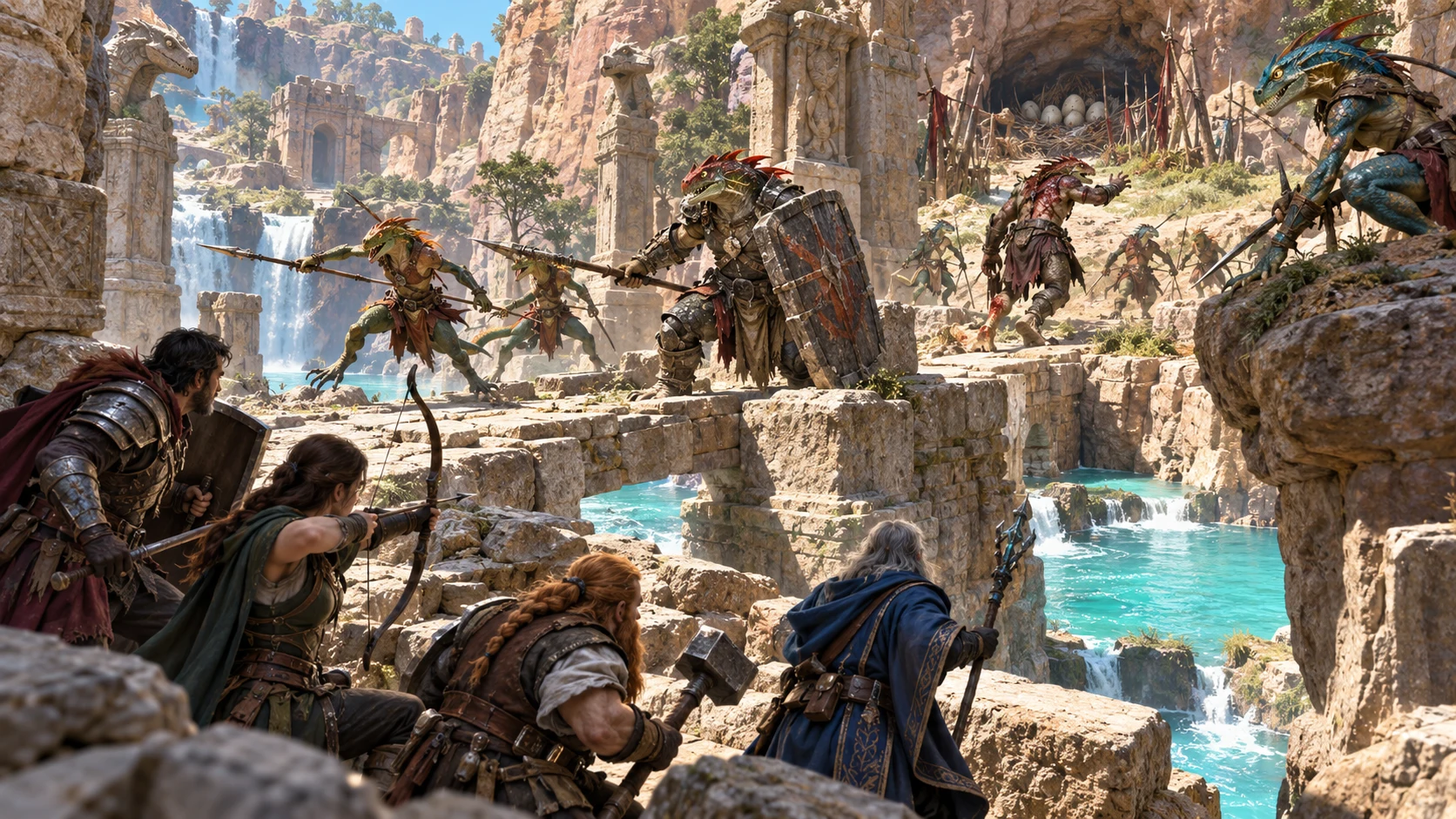
Start with what the creatures can do
Prepare a plan from the profile you supply, then review it against actual encounter conditions.
Enter the creature name, reference, profile and capabilities. Use your prepared creature material; there is no automatic stat-block import or mechanical verification.
Analyse a single creature or group. Intelligence, aggression, morale and group size help frame the advice; review the result against the actual creatures.
Read opening, positioning and threat responses together. Terrain advice follows broad patterns, so adapt it to the real map, sight lines and available movement.
Save explicitly or download full JSON. Seed alone does not reproduce an exact result; repeated same-seed analyses can share an ID.
Plan the crossing before play
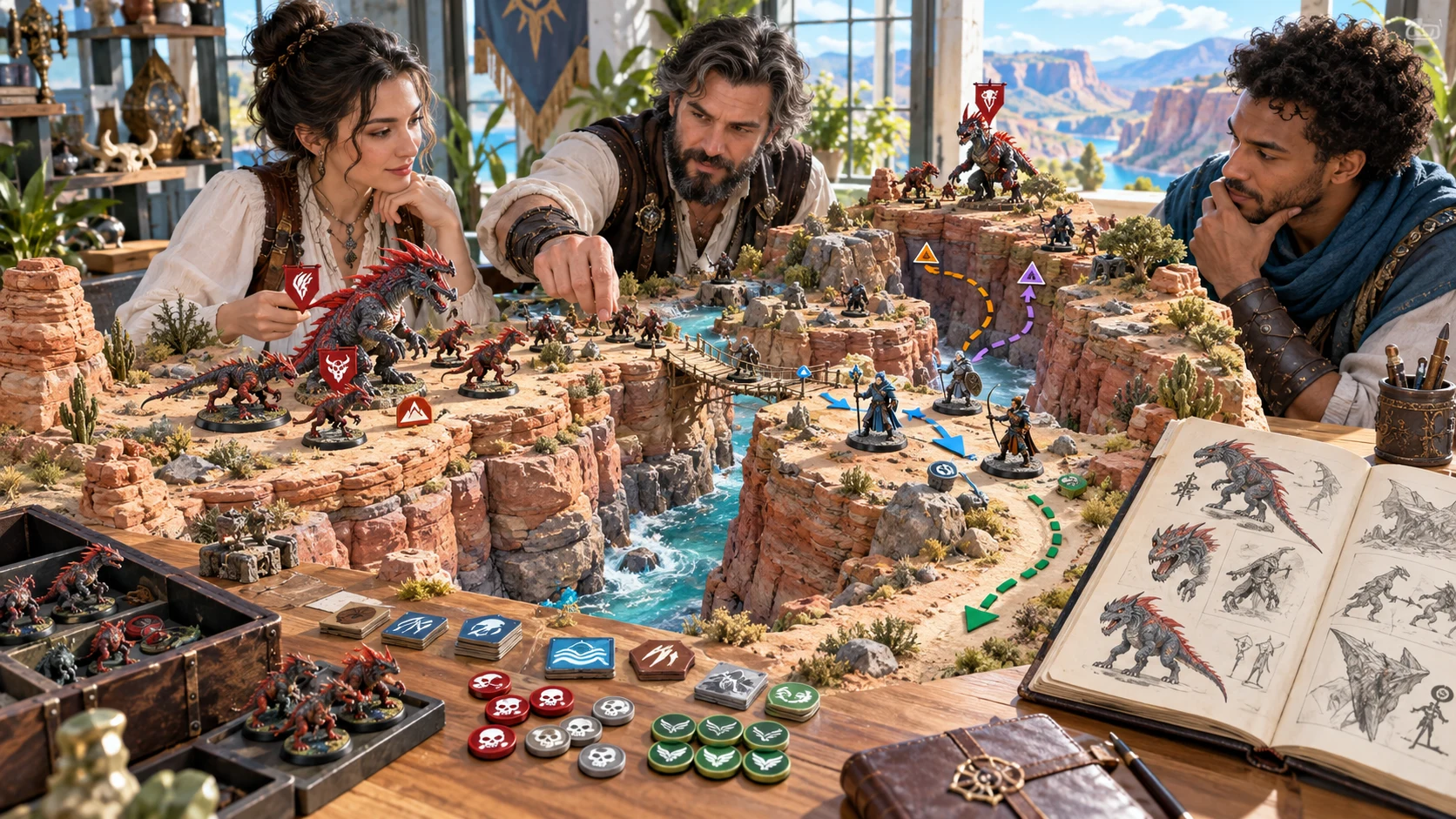
The illustration shows people planning around a canyon terrain model, creature miniatures and route markers. Use the real encounter map to decide where a creature can move, see and act.
Enter the capabilities you intend to use. Replace example defaults and review the preserved source snapshot, especially after long inputs or a change of creature. The tool prepares advice; the artwork is illustrative.
From a supplied brief to reviewed tactics
A preparation workflow that leaves the table decisions with you.
Enter a profile and capabilities, then choose single or group controls. Quick mode hides additional choices; retained Deep choices still apply.
Review roles, opening, targets, positioning, ability sequencing, terrain and morale. Match the suggestions to the actual rules and creatures.
Use a scoped variant or edit the structured JSON. Review retained sections and the quick reference together; there are no individual section locks.
Save the chosen result, review its exports and print the useful view. An optional Combat PRO handoff sends only selected quick notes to a prepared reference.
What the current tool provides
Use structured advice as preparation for creature choices and encounter pressure.
Enter a source name, reference, profile and actual capability text. The tool preserves a snapshot of this brief. Replace example defaults and review long inputs; it does not import or verify a creature stat block.
Choose a single creature or group with size, intelligence, aggression and morale. Review role counts for small groups and adapt coordination to what the creatures can actually understand.
Read suggested opening moves, target priorities, positioning and ability sequencing. Capability wording helps select broad roles; the advice does not calculate legal ranges, resources or rules balance.
Prepare terrain use, formation, responses to ranged attacks or spellcasters and casualty contingencies. These are general advisory patterns to adapt to your actual map and encounter.
Review four situation summaries alongside morale, retreat, surrender and desperation guidance. Decide what the creatures know, what changes on the battlefield and when they would stop fighting.
Revise opening, positioning, contingencies or retreat while other sections stay. The quick reference is not refreshed by a scoped variant. Review the complete result and edit its structured JSON deliberately.
Save a full tactics result to your account library. Search, open or duplicate entries and revisit up to ten previous saved results. Opening a record does not restore the input form; there is no autosave.
Copy or download the full result or a smaller DM quick reference, and print the current view. With Combat PRO ownership and available saved-encounter capacity, send reviewed quick notes to an inactive prepared reference.
Choose the depth of preparation
Additional controls give context; they do not guarantee that every detail changes the advice.
Quick exposes the main creature and group choices. Deep adds objective, emphasis, environment, party threats, readiness, leadership and terrain familiarity. Retained Deep choices still apply.
Single Creature, Group, Ambush, Defensive, Hunt and Retreat presets adjust selected choices. They do not reset every field or replace your source material.
Environment and threat text are preserved, while terrain and target advice follow broad patterns. Check real distances, resources, senses and abilities yourself.
A changing analysis counter affects output alongside seed and controls. Fresh analysis returns to an example brief and clears the current result; mode and the saved library remain.
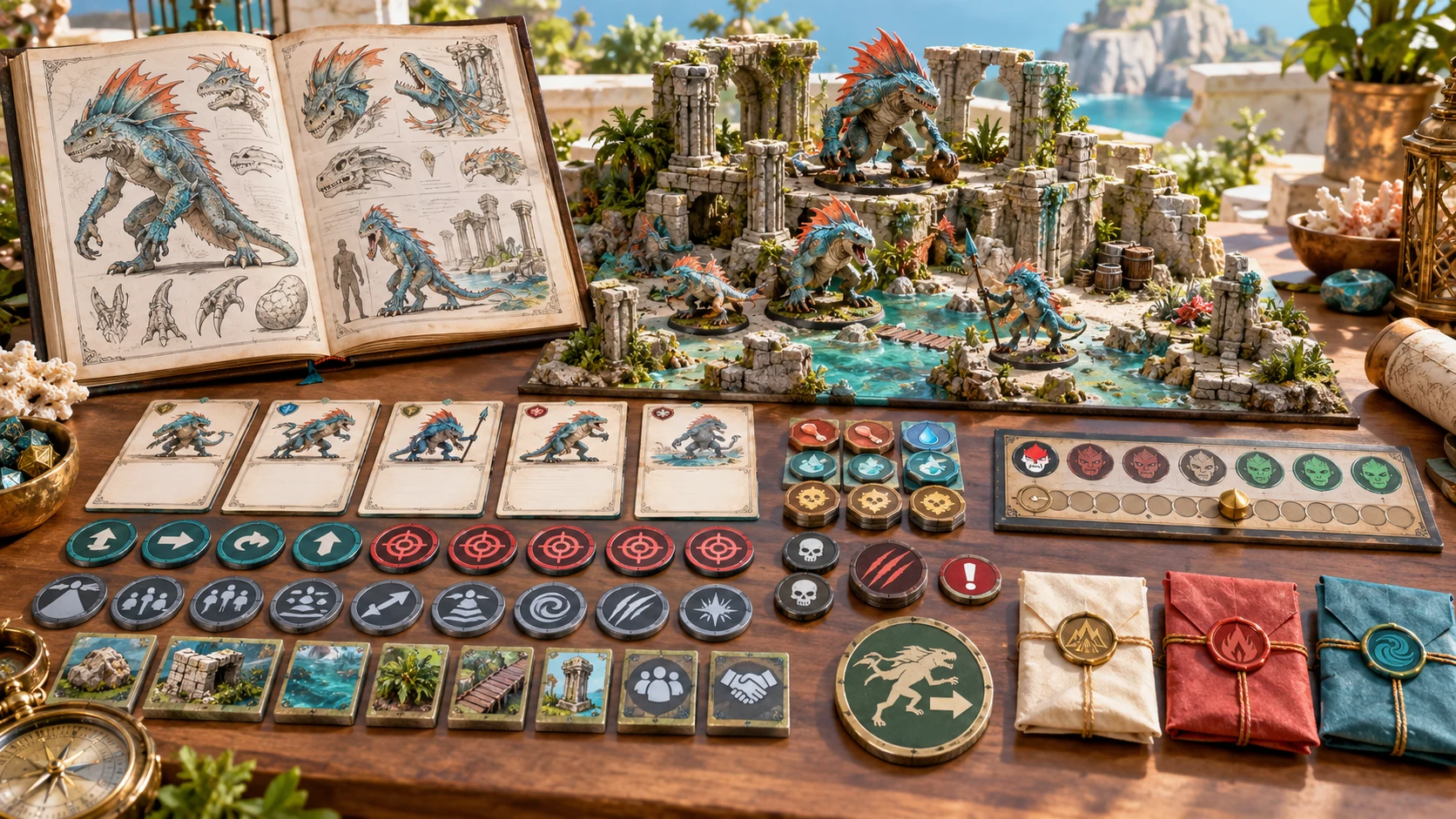
Keep the source and the plan together
The illustration pairs a creature sketchbook with a ruined terrain model, reference cards and tactical tokens. Read the plan against both the supplied creature and its actual surroundings.
Full JSON preserves the complete structured result. Quick exports retain a smaller selection, while print follows the current view. Inspect the format you intend to use.
Change selected parts deliberately
Scoped variants preserve other sections, which can still contain earlier assumptions.
Opening revises opening moves, sequencing and situation summaries. Positioning revises positioning, terrain use and formation. Other sections retain their earlier content.
Contingencies revises threat responses and casualty contingencies. Retreat revises retreat, surrender and desperation; earlier situation summaries remain.
The quick reference is not refreshed by a scoped variant. The source snapshot and analysis profile also stay, even when the form changes. Review them or run a new full analysis.
The JSON editor applies limited checks. Save and transfer check required structure, not rules balance or semantic consistency. Review edited names, capabilities, sections and quick notes together.
Prepare for the actual creatures
Advisory patterns need the rules, knowledge and map of your encounter.
Keyword matching helps choose broad roles and sequences. It does not parse a complete rules system, calculate valid ranges or verify resource costs.
Adapt reasoning to what the creatures know. Review role counts for small groups; formation suggestions can describe more roles than a small group contains.
Quick reference is DM material, not a player-safe export. Source text and tactical information are not filtered for secrets. Read the actual content before sharing.
The tool does not generate maps or artwork or run live combat. You decide actions, targets, rolls, movement, retreat and any rules interpretation.
Choose access for your toolkit
Begin with a free VISINVOKE account, then review the required selection and subscription.
Select Monster Tactics Generator individually. Creating a free account does not by itself include paid generator access.
Choose five eligible standalone generators. Review tools and terms in your account; a selection pack does not include every VISINVOKE product.
Choose more capacity when it suits your toolkit. Review actual tools and reselection terms before changing your subscription.
The standalone account library is separate. Advisory transfer requires Combat PRO ownership and available saved-encounter capacity. Cloud plans increase capacity.

Search, open and duplicate saved tactics. A same-ID save updates its entry and keeps up to ten previous saved results. There is no autosave or coordination of simultaneous library edits.
Opening restores the result, not the input form, seed or analysis counter. A previous version changes the displayed result only until you explicitly save it.
Full Copy and Download preserve structured JSON. Quick exports contain name, source snapshot and quick notes; they omit the displayed situation summaries. Print follows the current rendered view.
Combat PRO receives a prepared name and quick notes in an inactive saved Standard encounter. The full analysis, source abilities and creature statistics are not transferred.
Repeated sends with the same result ID do not update the earlier reference. Scoped variants retain that ID. Review the quick notes and saved destination before sending; this is a one-way handoff.
Build your tabletop toolkit
Each card opens its own public website. Review purpose and access separately; links do not promise included access or automatic synchronisation.

Discover and open your supported Windows products through one connected VISINVOKE account.

Explore environment packs for tactical locations and the places your encounters unfold.
Review prepared opposition, tune creature statistics and run tabletop encounters with its own access.

Create focused character, monster, item and location images to complement your tabletop preparation.

Create guided commercial visuals for websites, brochures and wider creative projects.

Explore a separate futuristic RPG experience with its own world, characters and progression.
Product artwork illustrates encounter preparation, not application screens or actual generated image output.
Quick answers
Understand the current workflow and its limits before opening the tool.
It prepares advisory tactics from a creature profile and capability text that you enter, with single or group controls. Blank inputs can use example defaults. Capability keywords select broad patterns; the tool does not verify a stat block, calculate rules legality or create a creature, map or artwork. Terrain and threat context need your interpretation. Review role counts for small groups and reasoning against actual intelligence. The illustrations show encounter preparation, not application screens or generated image output.
Quick mode hides additional controls; retained Deep choices still apply. Single Creature, Group, Ambush, Defensive, Hunt and Retreat presets change selected choices rather than resetting the whole form. Seed alone does not reproduce an exact result: controls, the changing analysis counter and variant scope also matter. Fresh analysis returns the input form to an example brief and clears the current result while retaining the selected mode and saved library. Preserve the exact result with an explicit save or full JSON download.
Opening, positioning, contingencies and retreat variants replace selected groups of sections. Other sections, the source snapshot and analysis profile stay, even if you changed the form. The quick reference is not refreshed by a scoped variant; retreat variants also leave earlier situation summaries in place. Review the complete result and quick notes together, or run a new full analysis. The JSON editor applies only limited checks. Save and transfer perform structural checks, not semantic validation, rules balance or reconciliation of edited fields. There are no individual section locks.
Save explicitly writes a full result to the account library under your paid standalone access. A same-ID save updates its entry and retains up to ten previous saved results; there is no autosave or coordination of simultaneous library edits. IDs are derived from the seed, so different analyses with the same seed can update the same entry. Opening restores the result, not the input form, seed or analysis counter. Opening a previous version changes the displayed result only until you save it. Duplicate creates a separate entry with a new ID.
Full-view Copy and Download contain the structured full result. Quick-view Copy and Download contain the name, source snapshot and DM quick-reference list; they omit the four situation summaries displayed in that view. Print uses the current rendered view, which differs from the JSON exports. Quick reference is DM material, not a player-safe export. Private source text and tactics are not filtered. Read the actual file or print preview before sharing; use full JSON to preserve the complete result.
With Combat PRO ownership and available saved-encounter capacity, the handoff creates a saved Standard encounter containing a prepared creature name and quick-reference notes as an inactive advisory reference. Cloud plans increase capacity; an active Cloud plan is not required when base capacity is available. The full analysis, source abilities and creature statistics are not transferred. It does not attach automatically to the current live creature, activate an encounter or automate turns, targets, rolls or resources. This is a one-way handoff. Repeated sends with the same result ID do not update the earlier reference; scoped variants retain that ID. Review your saved destination and quick notes before sending.
Continue in VISINVOKE
Create a free VISINVOKE account and choose required standalone access.
Get Desktop Command Centre from your account installer page. Sign in on Windows, then open Monster Tactics Generator.